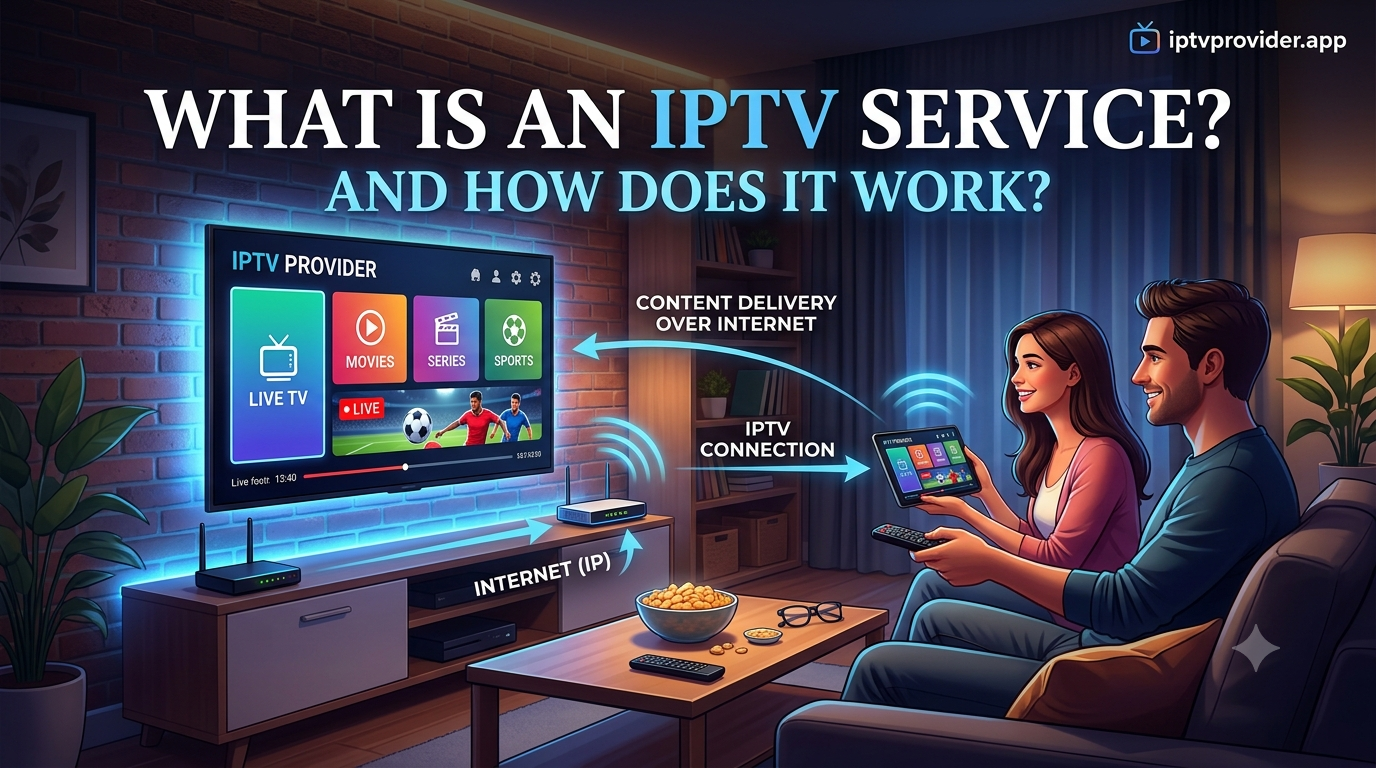
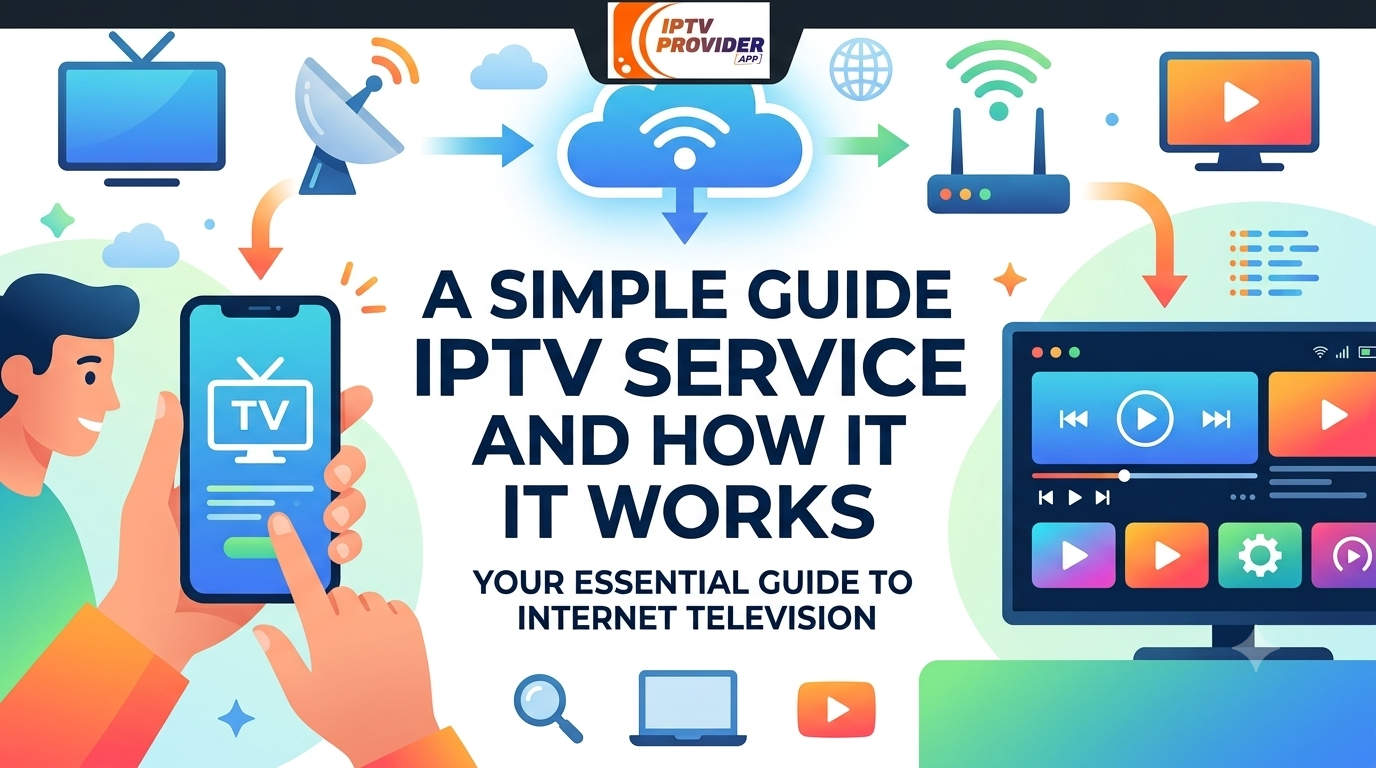
Have you ever sat down to watch your favorite show and wondered why some people pay less for TV than you do? A lot of them use an IPTV service. It sounds hard, but it is not. Your TV channels come through the internet instead of a cable wire or a dish on the roof.
Cable bills keep going up, so many families look for other ways to watch live channels. IPTV is one of those ways, and more people are trying it every year. This guide explains what it is, how it works, and what to check before you try one.
By the end, you will know what to look for in a service. You will know how fast your internet needs to be, and why a free trial can save you from a bad choice. You will also see some common mistakes to avoid.
Let’s start with the basics.
What Does IPTV Actually Mean?
IPTV stands for Internet Protocol Television. That is a long name, so most people just say IPTV. Regular cable TV sends channels through copper wires or satellite signals. IPTV sends the same kind of channels through your internet connection instead.
You get live TV, and often shows you can watch whenever you want. All of it comes to you as data over the web. Nothing about it is magic. It is just a different road for the same channels.
Think of it like music. Years ago, people bought CDs. Later, they started streaming songs from an app. IPTV does something similar for TV. The channels come to you over the internet, and you watch them on a device you already own.
That device can be a phone, a tablet, a smart TV, or a computer. You do not need a big dish on your roof or a pile of cables behind the TV. You mostly need a good internet connection and something that can play video.
How an IPTV Service Works
The setup is simple. You need three things. You need a steady internet connection, a device that can play the stream, and a service that gives you the channels. The device might be a smart TV, a streaming box, a phone, or a computer.
Once you have those, you open an app or a player. Then you log in with the details your IPTV provider sends you. Most services show a channel list, a program guide, and a search bar. The search bar helps you find a show fast, so you do not have to scroll through hundreds of channels.
Here is what happens behind the scenes. The provider sends the video to your device in small pieces. Your device plays those pieces in order, so the picture looks smooth. When your connection is weak, the pieces arrive late. That is when you see buffering, which is the spinning circle or the frozen picture.
What Is an IPTV Service?
An IPTV service is a company or app that sends live channels and shows through the internet. People who search for one usually want a simple way to watch their favorite channels without a big cable bill.
Some services focus on news and local channels. Others focus on sports, movies, or channels from other countries. Think about what you watch most, because that helps you pick the right one.
Not Every Service Is the Same
Some services offer a small group of channels. Others offer long lists with sports, movies, news, and channels from many countries. The best one for you depends on what you like to watch, how many people use it, and how much you want to pay.
Quality also changes from one service to another. Two services can list the same channels, but one may buffer all the time while the other runs well. That is why testing matters more than reading a long list of features.
Looking for an IPTV Service in the USA
Many people search for an IPTV service USA because they want English channels. They want sports, news, and shows from American networks. Others want channels from home, such as Indian, Canadian, or European channels, while they live in the United States.
If you live in the USA, check whether the service has the channels you watch. A long list does not help if your shows are missing. Look at the channel guide before you sign up. Search for two or three of your favorite channels by name.
Time zones matter too. A live game from another part of the world may air at a strange hour for you. Check the schedule, and make sure the service carries the channels you need at the times you watch.
Internet Speed and Buffering
Your internet speed matters a lot. Live TV needs a steady connection. For smooth HD video, many people aim for at least 10 to 25 Mbps. If several people use the internet at the same time, you will want more speed than that.
Buffering is the most common complaint. It usually happens when the connection drops or gets crowded. Evenings can feel slow, because many people in your area are online at the same time.
A wired connection can help a lot. A cable from your router to the TV is often more stable than Wi-Fi. This is especially true if your router sits far away or behind a wall.
What to Check Before You Pick a Service
Here is a simple table that shows what to look at before you choose:
| Factor | What to Look For | Why It Matters |
| Channel list | Channels you actually watch | Saves money on channels you don’t need |
| Internet speed | 10 to 25 Mbps or more | Prevents buffering and blurry video |
| Device support | Works on your TV or streaming box | Makes setup easy |
| Customer support | Quick and helpful replies | Helps when something breaks |
| Free trial | Option to test before paying | Lets you check quality first |
| Price | Clear monthly or yearly cost | Avoids surprise charges |
The channel list and the internet speed often decide how happy you will be. A service with great channels will still let you down if your connection is slow. Check both before you spend money.
Use a Free Trial First
A free trial is a good way to test quality. Try the service on your own internet, at the time of day you usually watch TV. Evenings are often the busiest, so that is the best time to judge the picture.
Watch a few different channels during the trial. Check sports, news, and entertainment, because each one can put a different load on the stream. Write down any freezing or delay you see.
Compare Pricing Carefully
Some providers charge by the month. Others offer a yearly plan that costs less each month. Read what is included, and ask if there are setup fees or extra charges for more devices.
A low price can hide limits. Check how many screens can watch at the same time. Make sure the plan covers every device your family uses.
Setting Up Your Service
Setup is usually quick. You get your login details, install a supported app, and enter them. Then you load the channel list. Most people finish in under 15 minutes.
If something does not load, restart the device or the router. This simple step fixes many problems. If it does not work, contact support and tell them what you see on the screen.
Many services also have a guide. It shows what is on now and what is coming next. It works like the TV guide from cable days, but it lives inside the app.
Common Mistakes to Avoid
- Judging a service only by price, when picture quality matters more
- Ignoring the internet speed at home, which causes most buffering problems
- Signing up for a yearly plan before testing the service on a trial
- Forgetting to check whether the channels you care about are included
Avoiding these mistakes can save you time and money. Most people who regret a choice made one of these errors. Take a few extra minutes before you pay.
Reading Reviews and Checking Support
Quality can change from day to day, so it helps to read reviews from real users. Look for comments about buffering, support, and channels that stop working. A few honest reviews can tell you more than an ad.
Support matters a lot. A good provider answers questions fast and explains setup in plain words. Before you pay, ask a simple question and see how quickly they reply.
If you want to see what one provider offers, you can visit https://iptvprovider.app/. You can check its channel details and plan information there. Still, compare a few services before you decide.
Staying Safe
Use a strong password for your account. Keep your device software updated. Do not share your login details with people you do not know. Read the provider’s terms, so you know what you are agreeing to.
Check how many screens can stream at the same time. Some plans allow only one or two connections. Others allow more. This matters a lot if several people share one account.
Conclusion
IPTV is only one way to watch TV. Cable, satellite, and streaming apps like Netflix or Hulu each have their own strengths. IPTV works well if you want many live channels in one place. It may not replace everything you use, and that is okay.
So, is an IPTV service worth trying? For many people, yes, as long as they check channels, speed, price, and support first. Take your time, use a trial if one is offered, and pick the option that fits how you actually watch TV.