Let’s be honest, most people don’t think about their TV service until something breaks. A channel freezes in the middle of a movie, or the monthly bill jumps for no clear reason. If that sounds familiar, you’re not alone.
Many homes across the USA are now trying an IPTV subscription instead. It sounds like tech talk, but the idea is easy.
Channels reach your screen through your internet connection, not through a cable wire or a satellite dish. This guide explains what it is, how it works, and what to check before you pay.
What Is an IPTV Subscription?
IPTV stands for Internet Protocol Television. That’s a long name for a simple thing. TV channels travel over the internet to your device. When you buy an IPTV subscription, you pay for access to a set of channels, shows, and sometimes movies. The access lasts for a set time, like one month or one year. Most people watch on a smart TV, a streaming box, a phone, or a computer.
Many people pick it because the price can be lower than a big cable plan. Some plans also let you watch on more than one device. That helps families who all want to watch something different. The one thing you really need is a steady internet connection. Live video needs enough speed to play well, so check your internet before you start.
How an IPTV Subscription Works
After you sign up, the IPTV provider sends you login details. These are usually a username and a password. Sometimes you get a link to add to your app instead. The details often arrive by email within a few minutes of payment. Keep that email somewhere safe so you can find it later.
Then you open the app on your device and type in your details. Your channel list loads after a short wait. When you press play on a channel, your device connects to a server and starts streaming. The provider runs many servers in different places. If a server is far away or very busy, the picture may pause or buffer for a moment.
Setting Up Your First Plan
Most people use a streaming box, a stick that plugs into the TV, or a smart TV app. Some people watch on a computer with a player program. Try to use a device you already own. It saves money and keeps the setup simple. A good rule is to test the app on that device before you buy a long plan.
Setup is usually quick. You install the app, enter your login, and check a few channels. Look at the picture and the sound. Change channels a few times. If everything runs smoothly for a few hours, you are likely in good shape. If it stutters a lot, you may want to fix your internet first.
What to Check Before You Buy
A low price means very little if the service freezes during a live game. Take a few minutes to read the details before you pick a plan. These are the main things to look at.
- Channel list: Make sure the channels you watch are on the list. Look for local channels, sports, and news that matter to you.
- Video quality: Check if the plan offers HD or 4K. Some plans list high quality but do not always deliver it during busy hours.
- Devices allowed: See how many screens can watch at the same time. A family may need more than one screen running at once.
- Support: Find out how you can reach the company. A chat or email option that answers within a day is a good sign.
Plan Types and Prices
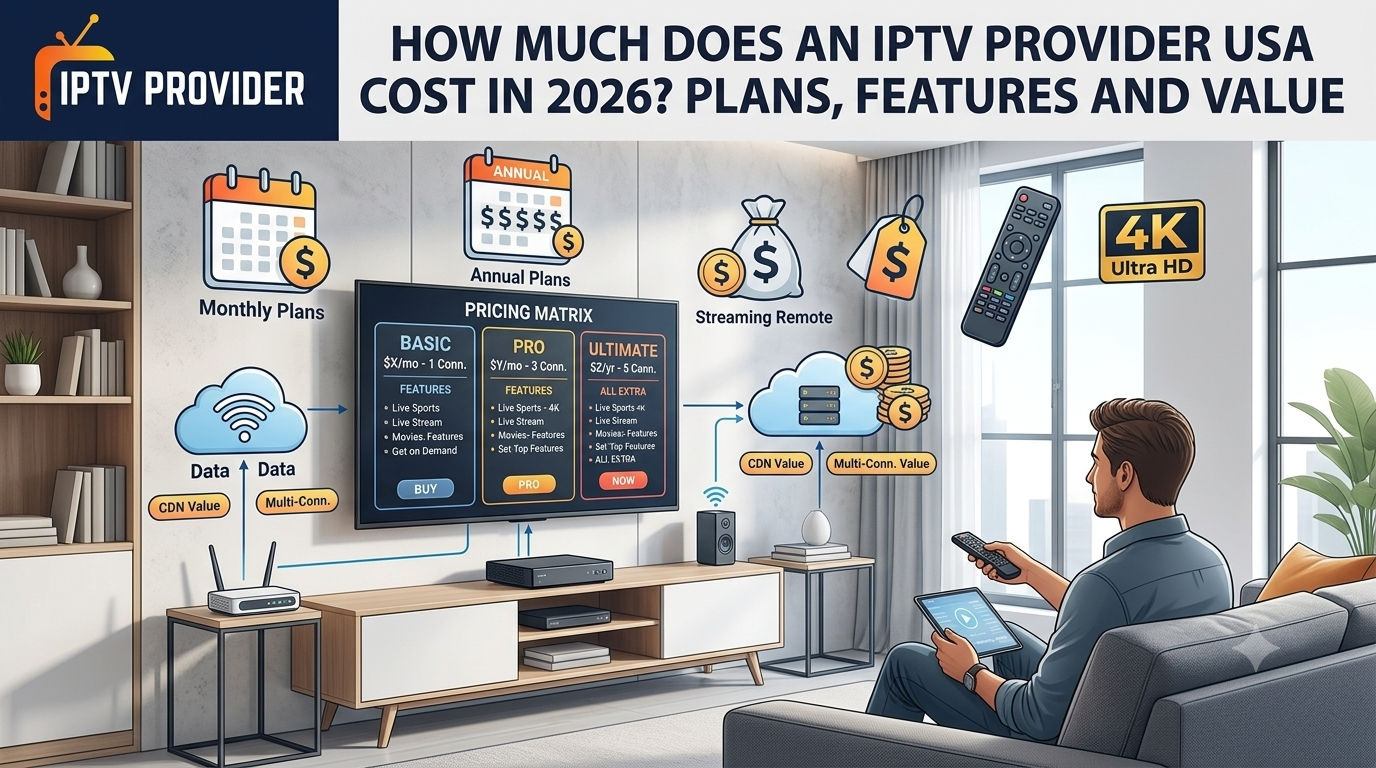
Most providers offer a few plan lengths. Longer plans usually cost less each month. The table below gives a simple comparison. Prices change often, so use it as a general idea. Always check the current rate on the provider’s site before you pay.
| Plan Length | Typical Use | Cost Style | Best For |
| 1 Month | Short test or trial | Highest cost per month | People testing a service |
| 3 Months | Watching during a season | Lower cost per month | Sports fans with a short goal |
| 6 Months | Regular home use | Mid range savings | Small households |
| 12 Months | Long term daily use | Lowest cost per month | Families and heavy viewers |
A monthly plan gives you room to leave if the service does not work for you. A yearly plan costs less over time, but you are locked in for longer. If you are not sure, start with a short plan or a free trial. Then decide after you have seen how it works in your home.
Best IPTV Subscription USA Options
People who search for the best IPTV subscription in the USA usually want three things. They want reliable service, a clear channel list, and a fair price. The best option is the one that fits how you watch, not the one with the biggest number of channels. A provider that focuses on Hindi Channels may suit you better than one built for other regions.
Many American viewers want local news, sports, and popular networks. Check that these are included before you sign up. If you watch a lot of sports, look for live event coverage. See if games start quickly and play without long pauses. Those details matter more than a long list of channels you never open.
If you want to compare options, you can visit https://iptvprovider.app/ to read plan details and channel information. Look at what is included, what it costs, and how many screens you can use. Then compare it with two or three other services. Taking your time helps you avoid paying for channels you will never watch.
Free Trials and Refunds
A free trial is one of the best ways to test a service. It lets you check the picture, the channels, and the app before you pay. Use the trial on the same device you plan to use later. A trial on a phone tells you little about how a smart TV will work.
Read the refund rules before you pay for a full plan. Some providers give refunds within a few days. Others only offer credit. Know how to cancel too. If the cancel process is hard to find, that is a warning sign. A fair provider makes the rules clear and easy to read.
Common Problems and Simple Fixes
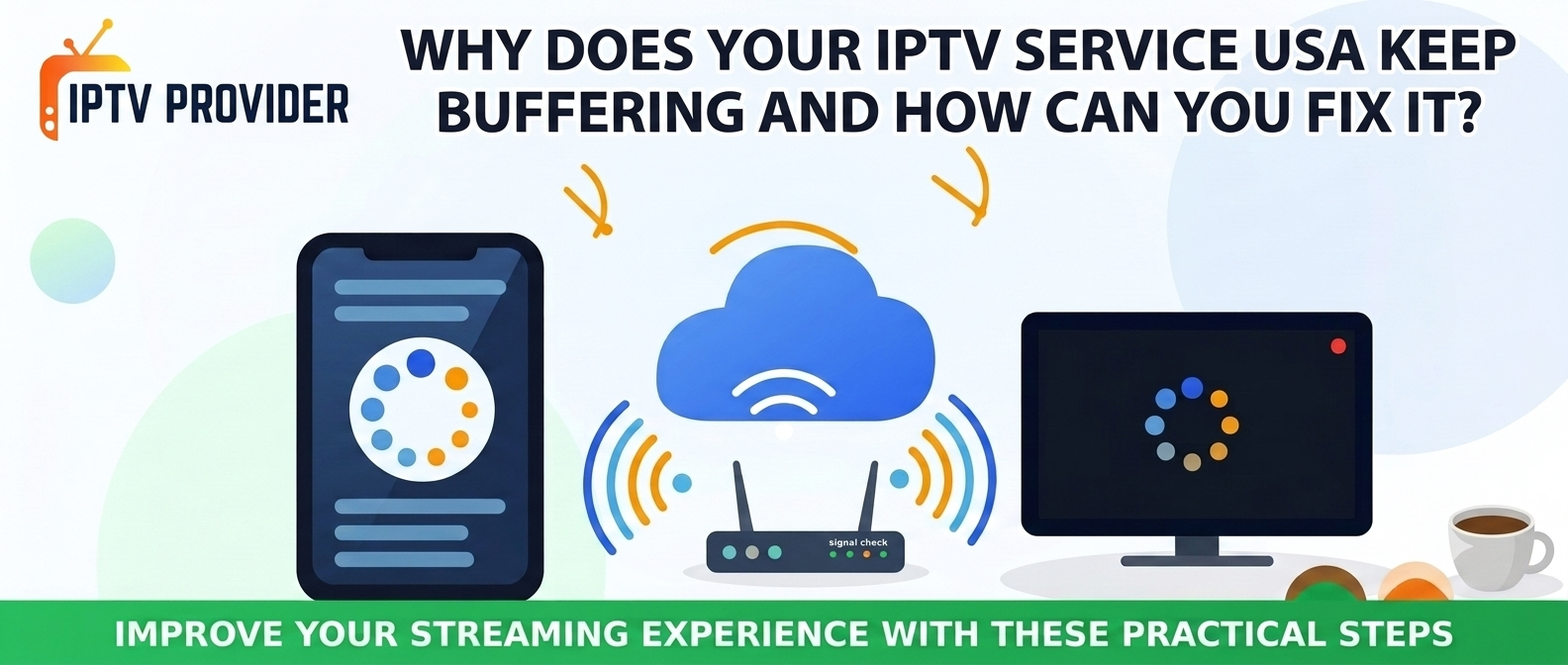
Buffering is the most common problem. It often happens because of slow internet or a busy server. Try a wired connection if you can. If you use Wi-Fi, move your router closer to your device. Walls and floors can weaken the signal. Restarting the app can also clear a stuck stream.
Sometimes a single channel stops working. This can happen when a provider changes its feed. Contact support and give them the channel name, the time it failed, and the device you used. Clear details help the team fix the problem faster. Most issues are solved in a day or two.
Login errors can happen when too many devices use the same plan at once. Log out of old devices you no longer use. If the problem stays, ask support to check your account limit. They can tell you how many screens your plan allows and whether something needs a reset.
Tips for Families and Shared Homes
Families often want more than one screen at a time. Before you buy, count how many people watch at the same moment. A plan that allows one screen will fail if two people want to watch at night. Pick a plan with enough screens for your busiest hour, not your quietest one.
Shared homes can also share the internet. If someone is downloading large files or playing online games, the video may slow down.
Set a simple rule for heavy internet use during TV time. A small change like that can keep the picture smooth for everyone.
Is an IPTV Subscription Safe to Use?
Safety depends a lot on the provider you choose. Look for clear contact details, a privacy policy, and a real way to reach a person. Avoid any seller who asks for payment in strange ways or will not answer basic questions. If something feels off, trust that feeling and keep looking.
It also helps to think about the law. Watching content that the owner has not licensed can cause trouble.
Before you sign up, learn the rules where you live. Choose services that are open about where their channels come from. Keep records of your payments and emails in case you need them later.
Protect Your Account
Use a strong password that you do not use anywhere else. A password with mixed letters, numbers, and symbols is harder to guess. Do not share your login with strangers, even if they offer a discount. Sharing details can lead to a blocked account or a bill you did not expect.
Check your bank or card statement often. If you see a charge you do not recognize, contact your bank and the provider right away. Quick action can protect your money and help you sort out the problem early.
Quick Checklist Before You Sign Up
Use this short list before you pay for any plan. It takes only a few minutes. It can save you money and stress later on.
- Channels: Confirm the channels you want are on the list.
- Trial: Test the free trial on the device you plan to use.
- Screens: Check how many screens the plan allows at once.
- Refunds: Read the refund and cancel rules before you pay.
- Records: Save your receipt and login details somewhere safe.
Final Thoughts
An IPTV subscription can be a simple and low cost way to watch TV. But it works best when you choose with care. Start with your own needs. Think about the channels you watch, the screens you need, and the budget you have. Then compare a few options before you decide.
Use the free trial if one is offered. It gives you a real test without a long promise. If the picture is smooth and the channels match what you watch, a plan may be a good fit. If it is not, move on and try another service. There is no rush.
Take your time with the choice and keep notes on what you learn. Over time, you will know what works best for your home. A careful decision now can keep your viewing easy and fair for the year ahead.