Imagine paying for two hundred channels and only watching six of them. That is how many people in the USA feel every month. Their cable bill keeps going up, and the shows they really want are spread across different packages. So they start asking a simple question: is there a better way to get TV at home?
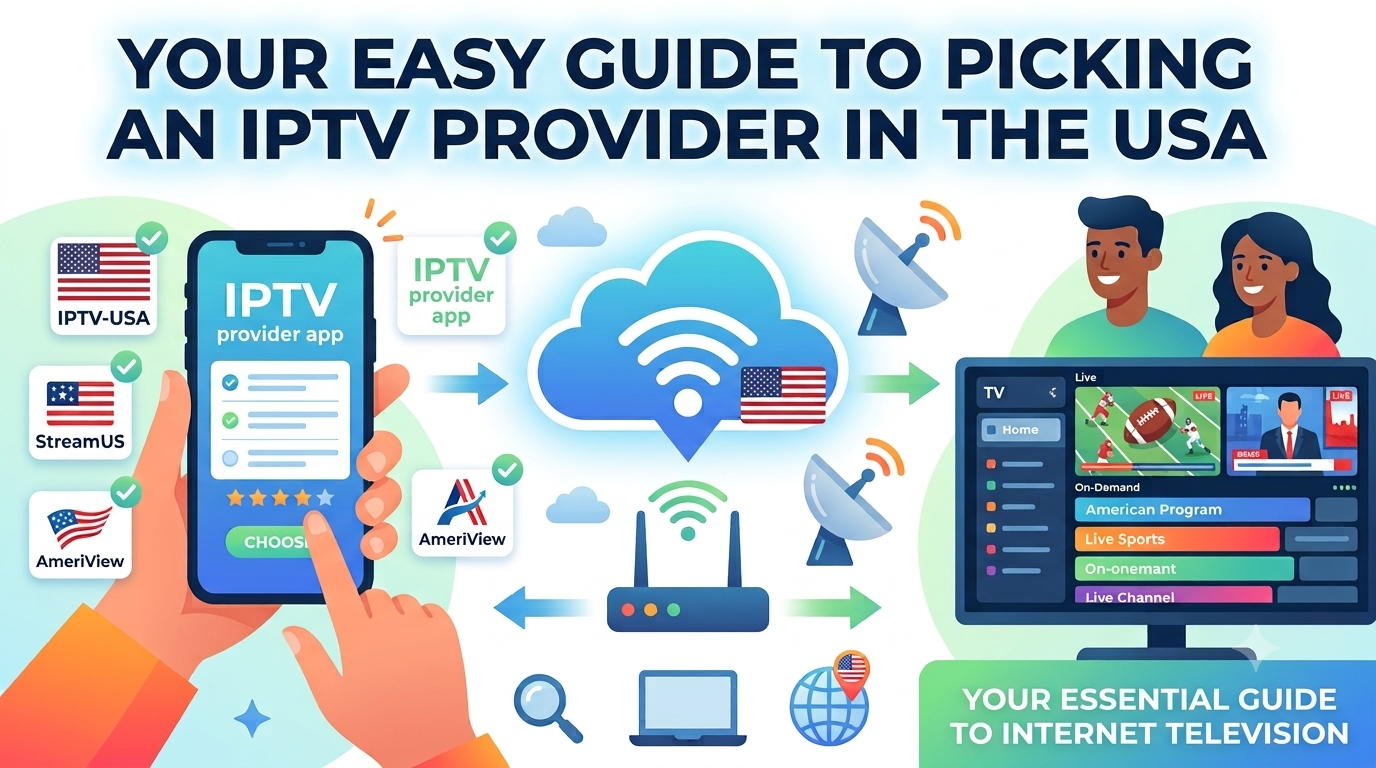
One answer people keep hearing about is an IPTV provider. The name sounds hard, but the idea is easy. Your TV gets its channels through your internet, not through a cable wire or a dish on the roof. In this guide, we will go over what it is, how it works, and what to check before you pick one. You do not need any tech skills to follow along.
What Is an IPTV Provider?
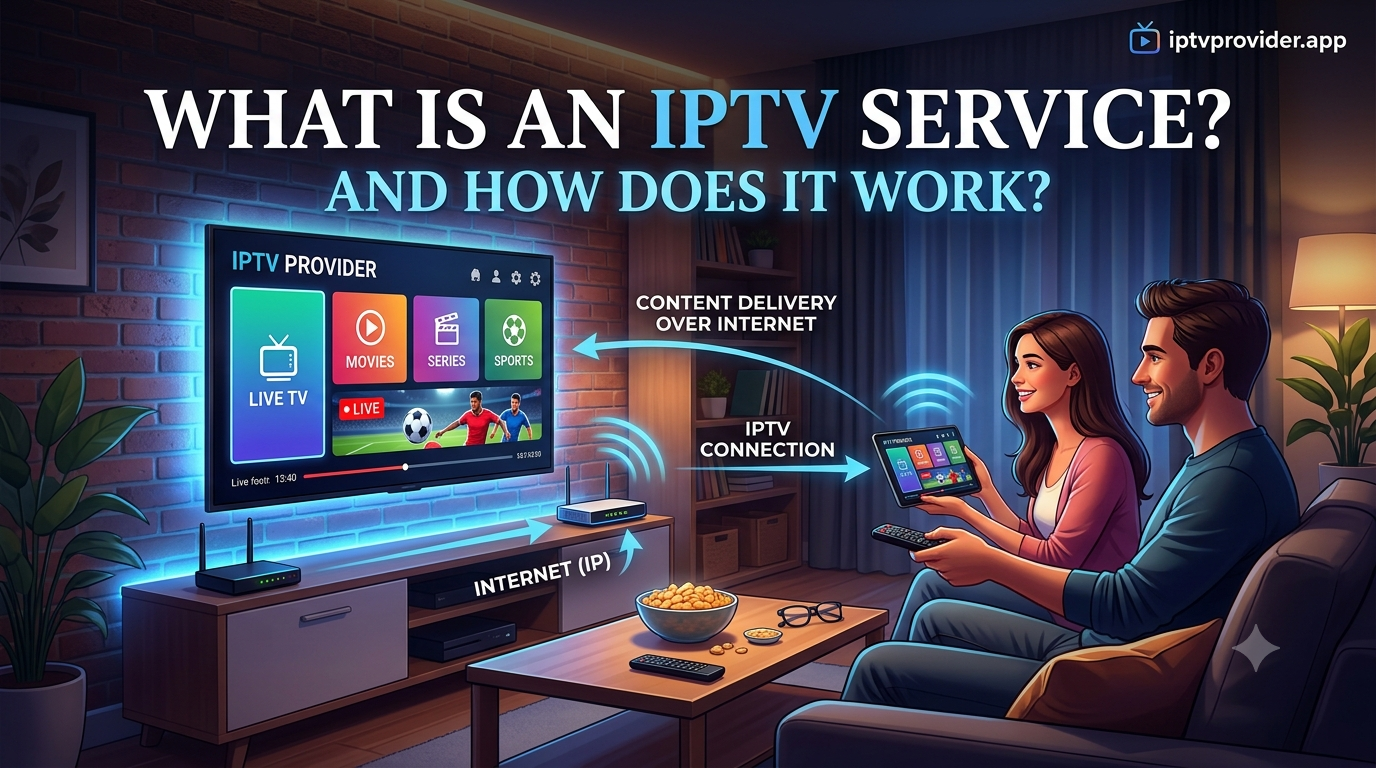
An IPTV provider is a company that sends TV channels to your screen using the internet. IPTV stands for Internet Protocol Television. That is a big name for a fairly simple thing.
You do not need a cable line running into your house, and you do not need a satellite dish. The provider collects the channels, puts them in order, and sends them to your TV box, smart TV, or app.
Most providers have live channels, like news, sports, local shows, and Hindi channels. Many also have movies or past episodes that you can watch whenever you like. Some providers have a huge list of channels, while others have a much smaller one.
The price, the picture quality, and the help you get from the support team can all be very different. So before you sign up, it is smart to know exactly what you get for your money.
How IPTV Works
When you press play on a channel, your device sends a quick request over your internet connection. The provider’s server answers by sending the show back to you in small chunks.
Your device joins those chunks together, so the picture looks smooth. All of this happens in a few seconds. That is why a good internet speed matters so much for this kind of TV.
Think about ordering a pizza. You make a call, and the pizza shows up at your door in a box. You never had to drive to the shop. IPTV works in a similar way.
The channel comes to you in small pieces. You just need a steady connection and a device that can open the stream. Once that part is working, the rest feels pretty normal.
IPTV Provider vs Cable and Satellite
It helps to see how an IPTV provider stacks up against the older ways of watching TV. Each one has good points and weak points. The table below puts them side by side in plain words. The best pick depends on your home, your internet, and what you like to watch most.
| Feature | Cable TV | Satellite TV | IPTV Provider |
| How signal arrives | Coaxial cable line | Dish on the roof | Your internet connection |
| Equipment needed | Cable box | Dish and receiver | Streaming box, smart TV, or app |
| Internet required | Not for basic TV | No | Yes, a steady connection |
| Installation | Often needs a technician | Often needs a technician | Usually a quick home setup |
| Moving to a new home | May need a new setup | Dish may need moving | Easy to take with you |
| Channel choice | Set by the package | Set by the package | Varies by provider |
Cable and satellite stay steady once they are set up right. They do not lean on your internet as much. An IPTV provider does lean on your internet. If the connection is slow or keeps dropping, the picture can freeze or break up. That is the main thing to think about before you switch.
Why People Look for an IPTV Provider in the USA
A lot of people look into this because they want more control over what they pay. Cable bills tend to rise every year, and extra channels can add up fast. Some viewers also want channels from other countries, like Indian, Canadian, or Latin American channels. Those are often not in a regular cable package, so people go searching for them.
Many people also like to watch on a phone, a tablet, or a laptop. A good IPTV setup can work on several devices in the same house. Still, a low price should not be the only reason you pick a service. A good picture, decent help, and clear rules matter just as much as the cost.
Some people only want a cheaper option for one TV, maybe in a rental or a guest room. Others want a big bundle of channels for the whole family. Your reason matters. Think about what you watch most and how many screens need to work at the same time. Those two things will guide you to the right plan.
Is IPTV Right for Your Home?
This is a fair question to ask yourself before you do anything else. IPTV can work well for some homes and be a poor fit for others. It depends on your internet, your devices, and how you like to watch. A home with a fast, steady connection and a few screens may do great with it. A home with slow or spotty internet may struggle.
Also think about your habits. If you mostly watch local news and a few sports games, a basic plan may be all you need. If you watch many channels every night, you may want a larger package. There is no single right answer. The goal is to match the service to your real life, not to someone else’s.
What to Check Before You Choose
Before you sign up, take a few minutes to look at the basics. A little checking can save you money and headaches later. Here is a short list to start with.
- Check the channel list. Make sure the channels you care about are there, and see how often the list gets updated.
- Look at the trial. A short trial lets you test the picture before you pay for a full plan.
- Ask about support. Find out how you can reach the team and how fast they usually answer.
- Read the refund rules. Know what happens if the service does not work on your device.
Write down what you find for each provider. Put them side by side on one page. It is much easier to decide when you can see the answers next to each other. Many people skip this step and later wish they had not.
Internet Speed and Your Devices
For standard picture quality, a basic connection may be enough. For HD, you need a faster and steadier line. Many guides suggest about 10 to 25 Mbps for one HD stream, and more if several people watch at the same time. Run a speed test on your home internet and compare the number with what the provider lists.
A wired connection is usually more stable than Wi-Fi. If you use Wi-Fi, keep your router close to your TV box. Thick walls and too many devices on one network can slow things down. Restarting your router now and then can also clear up small problems. A few small changes like these often make a big difference in how smooth the picture looks.
Safety and Legal Points to Keep in Mind
Not every IPTV service follows the rules for TV content. Some offer channels or shows without the right licenses. That can cause trouble for the company, and it can also affect you as a viewer. Read the terms before you pay. Be careful with any service that promises every channel at a very low price, because that promise is often too good to be true.
Protect your personal information too. Share only what the sign up really needs, and use a strong, unique password. Keep copies of your payment records in case you need them later. If something feels off, stop and check before you go any further. Taking a few extra minutes now is far easier than fixing a problem after you have already paid.
Questions to Ask Before You Sign Up
A few simple questions can tell you a lot about a provider. A clear and honest company will answer them without fuss. If the answers feel vague or the company dodges your questions, that is a sign to slow down. Here are some good ones to start with.
- Which devices work, and is setup help included?
- How many streams can I watch at the same time?
- What happens if a channel stops working?
- How do I cancel, and is the process easy?
Write the answers in your own notes. If a reply seems unclear, ask again in plain words. You should get clear answers before you pay anything. A company that wants your money should be happy to explain how its service works.
Final Thoughts on Picking an IPTV Provider
An IPTV provider can be a good fit for the right person. It can give you variety, flexible plans, and easy use on many devices. It also depends on your internet speed and on the rules where you live. No single option works for everyone, so take your time and do your own checks.
If you want to learn more about one option, you can visit IPTV Provider and look at what they offer. Compare what you see with the points in this guide. Keep your budget in mind, and choose the service that fits your home and the way you like to watch.