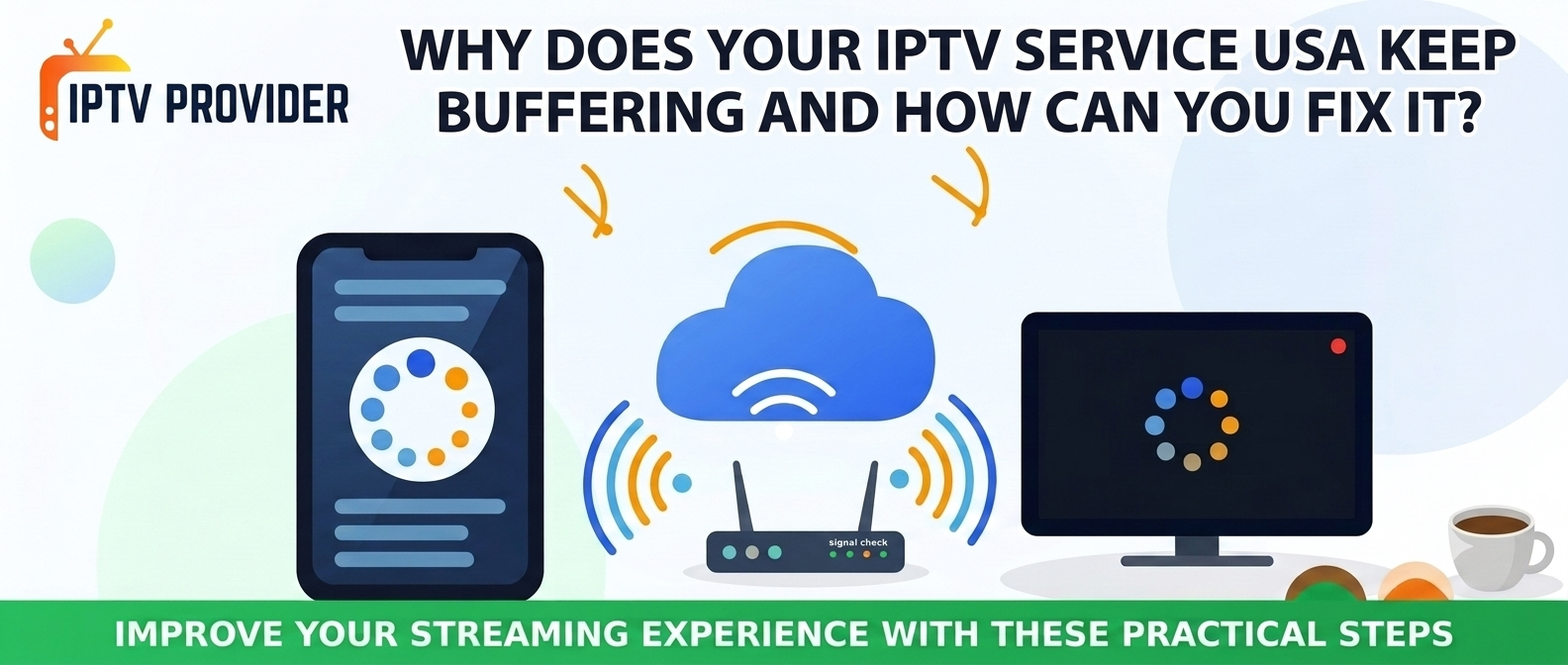
Buffering is one of the first things that can turn a good day in front of your TV into a day to forget. Your favorite TV show suddenly freezes, your live sports feed stops at the most important time in the game, or that movie you love takes a couple of seconds to restart after you already pressed Play. If you’re an IPTV Service USA subscriber and frequently encounter these issues, then there’s something wrong with your internet connection, the device where you watch IPTV, the app or your home network.
Fortunately, you don’t need to upgrade or buy anything every time there’s an outage to your streaming service. There are a handful of extremely simple things you can do to troubleshoot your playback and determine what the actual issue is. As you proceed, you can take a moment to educate yourself a bit more on what goes into streaming IPTV and when you should contact your provider.
How Can You Check Whether Your Internet Connection Is Causing IPTV Buffering?
Use an internet speed test on the same system or network you’re streaming your IPTV service on. Look at the requirements your IPTV supplier recommends, and then look at how your download speed and connection stability match up. Speed test results are only relevant for that time period, so try running the test at multiple different times to see if there are regular fluctuations.
An internet connection must have sufficient available bandwidth to support your stream AND everything else going on in your house, too. HD and 4K video typically use more bandwidth than standard-definition video. How much more? That depends on video compression, streaming service, and source quality. An internet connection strong enough for one stream will be weak for a bunch of streams.
If the buffering is happening in most of the evenings, the network may be congested. You could stop any large downloads, reduce your usage of sites and services that consume a lot of bandwidth, and try playing again. If your internet isn’t working well on a number of sites and services, then ask your internet provider to check your broadband connection instead of blaming it on your IPTV Service USA.
Can Your Streaming Device Cause IPTV Freezing and Lag?
You may want to check if your streaming device is having trouble. Consider factors like older devices, storage issues, software version, overheating, and third-party applications that may be causing problems like choppy browsing, freezing screens and streams to stop. These can look similar to network buffering so we suggest checking if your device is having issues.
Turn off your TV, streaming box or device. Quit any additional applications and check for system or application updates. Clearing the cache may help in cases where the app has stored temporary information, if this feature is available on your device. Download authentic apps from reputable sources and follow instructions for the installer.
How Can Your IPTV Subscription Affect Your Viewing Experience?
An IPTV Subscription Also determines what service you will be able to access, but providers’ packages and features vary between providers. With all the different features, potential cable content, device compatibilities, app restrictions, connection limitations, and how a provider takes care of its clients can all influence your television experience.
Think about it if the buffering is happening only on some of the channels, then the fault is most probably within that one stream. Try viewing other channels, which aren’t buffering and check if you get the same problem at different times of the day. If it only occurs on one channel all the time then make a note of its name for your supplier.
Verify from the provider’s official troubleshooting instructions, or service information, or maintenance information. If there is a short-term trial available to evaluate the provider’s specification and performance, you can be the tester and have some time to see if it works for you or not. Just because it has worked in one network situation, does not mean it will always work.
When Should You Contact Your IPTV Provider About Streaming Problems?
Reach out to your IPTV provider if you’re unable to solve the buffering issue after testing your internet speed, restarting your device, and trying the different sources/apps. This is mainly important if you only notice this problem with a handful of channels and all the other internet services seem to be functioning properly.
Your provider needs to review your maintenance, follow a specific stream, and assist you in performing all the troubleshooting steps from your side. Suppose the problem is caused due to your broadband connection; your ISP (internet service provider) might be investigating for you. Identifying the root cause can save you a lot of time and money.
If you don’t even make any progress, and the provider can’t even give you the details you want, go for its terms of service, refund policy, and cancellation policy. Ensure the new IPTV Service USA can offer all the content it claims to offer and is compatible with your device.
ses and that it is compatible with your device.
How Can You Improve IPTV Streaming Performance at Home?
At every stage of consistent streaming there are also some common factors that you will need to keep an eye on: internet, hardware, and applications. Check your device is up to date, your modem’s range is enough and the network doesn’t become congested when you’re watching in HD. These will lessen most interruptions, but not all.
Before you choose or renew your IPTV Subscription, consider available devices content customer service, and subscription terms. An inexpensive or ‘broadly Channel Count’ package isn’t necessarily better than any other package. Look for transparent service details and make sure the provider is licensed and authorised to sell the content you’re interested in.
FAQs
Why does my IPTV Service USA keep buffering even with fast internet?
It all comes down to how you’re using your internet in many situations fast broadband does not automatically equate to the stream being smooth. There may be Wi-Fi interference, congested network, faults with the device, or the problem might be in the app or the provider’s network. Test your connection on the device you’re watching on, if possible, and test other apps and channels.
What internet speed is recommended for IPTV streaming?
The speed required will depend on the resolution, the stream quality, and how many devices are using the connection concurrently. HD video demands less bandwidth than 4K. As a guideline, it’s better to check your provider’s recommendations, and allow some margin for other uses within your home, than to rely on a plan’s advertised speed.
Why does IPTV buffer more during evening hours?
You may be buffering in the evening too if you’ve got a lot of people in your house or local network streaming online at the same time. Or perhaps your stream is just busier than usual. See if your streaming works better at different times of day; you can test your internet speed with a free speed test.
Can changing my IPTV Subscription fix buffering?
Changing your provider doesn’t necessarily resolve buffering problems caused by a bad Wi-Fi connection, slow broadband service or insufficient device power. First, try to find out what’s causing it. If the provider says there’s a problem with the network now or it can’t deliver the service in line with what its terms and conditions state, you might explore other authorized providers.
Is Ethernet better than Wi-Fi for IPTV streaming?
You might also consider using a wired connection. It generally doesn’t experience as much signal loss or interference as Wi-Fi does, so it may provide a more reliable experience. It’s always worth a try if you’re seeing buffering when streaming over Wi-Fi. But you won’t be able to do anything about an outage or malfunction in a service or application.
How can I tell whether the problem is my device or IPTV provider?
Test several pathways, explore other streaming programs, and if you can, place a secondary compatible device within the same bandwidth. If only one device experiences an issue, go through the software and hardware. If several devices are experiencing the identical IPTV-specific problem while other online systems work normally, get in touch with your provider.